

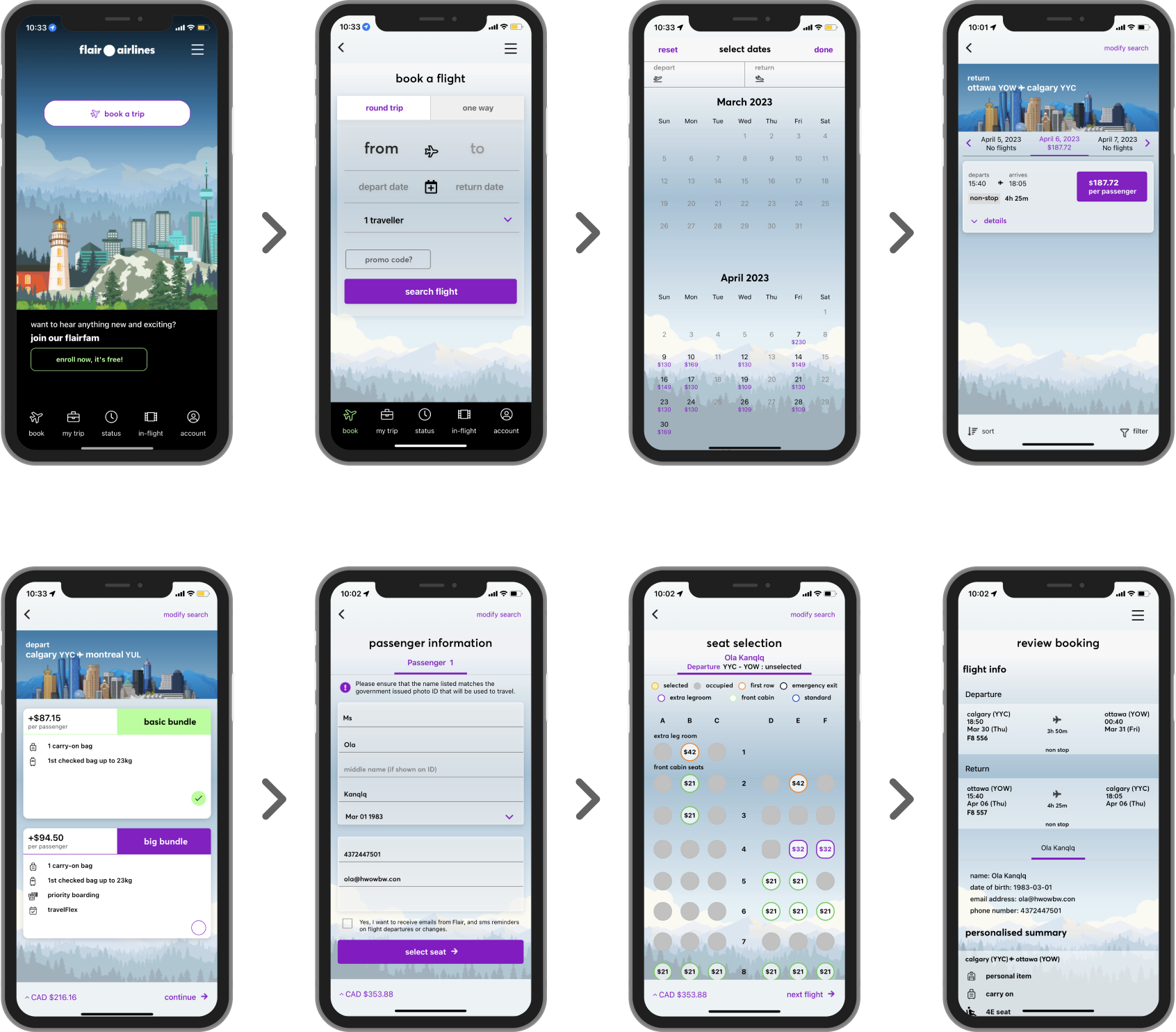
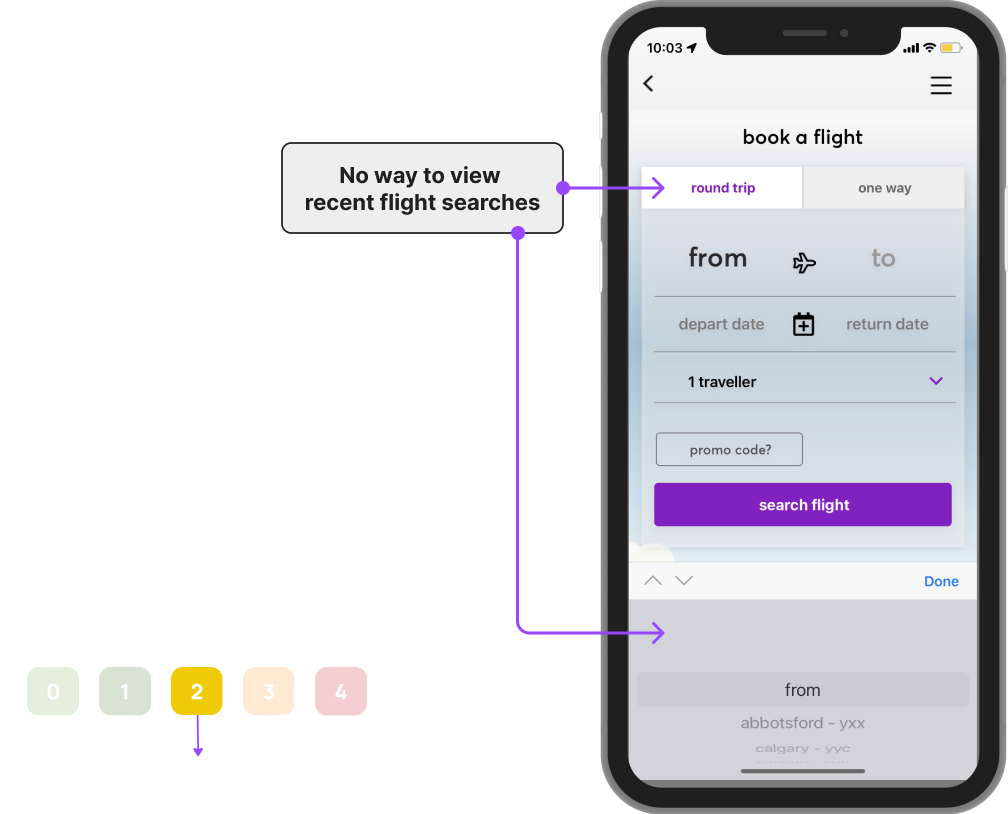
With no "Recent Search" Option for users to recognize previous searches, Users must repeatedly enter all flight details upon returning to the home screen which may be difficult to recall.
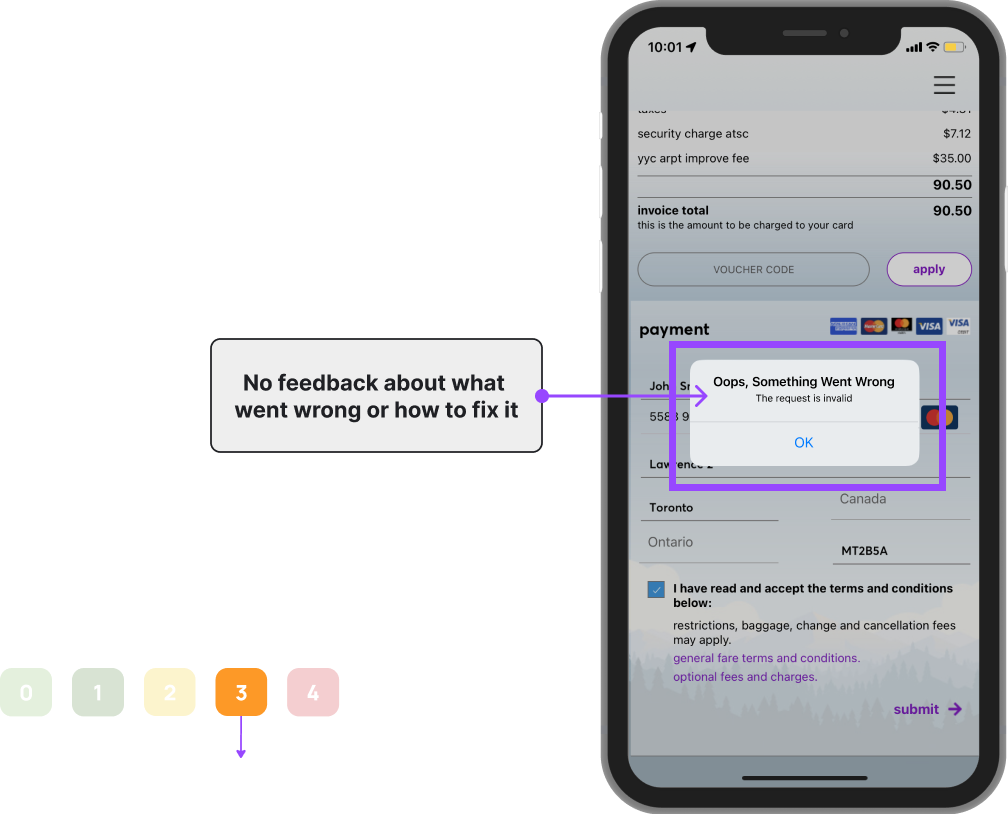
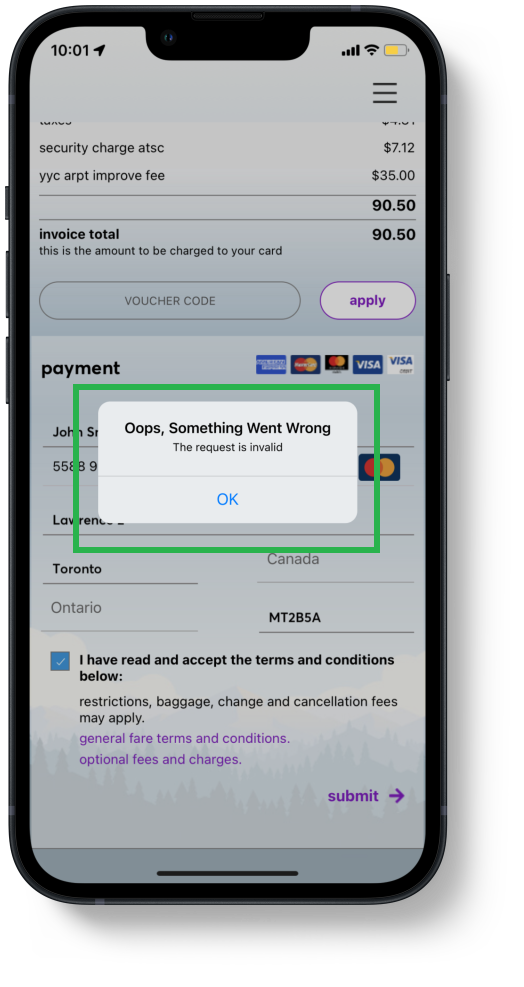
When the booking process fails (i.e. there is a mistake in the information inputted), the system provides a generic error message with no guidance on how they can fix the issue.
This could force users to redo and re-input all their information once again or seek additional help.

We were unable to locate any kind of help section or documentation within the app that could assist users when booking a flight or for troubleshooting issues.

When users are brought to the review booking page, there is no back button.
Therefore users do not have the option to go back to previous screens if they have made a mistake and they cannot withdraw from the booking.
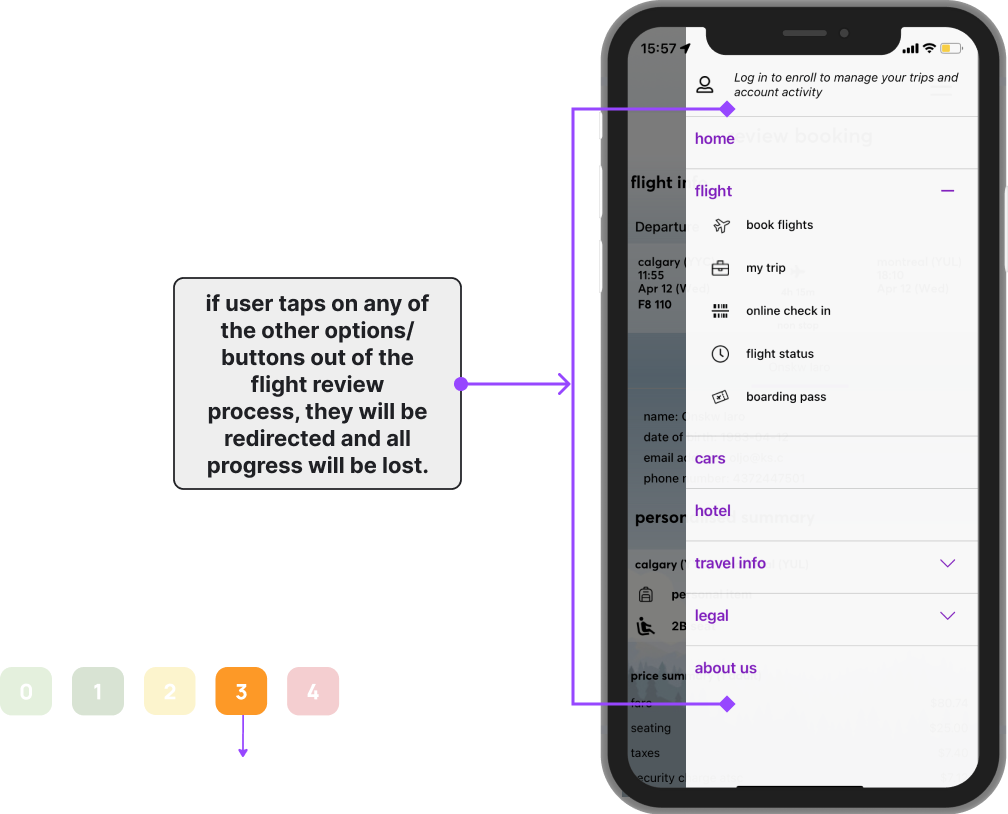
The app does not notify users of a loss in progress if they wish to exit out of the review page and they are forced to do the booking process all over again.
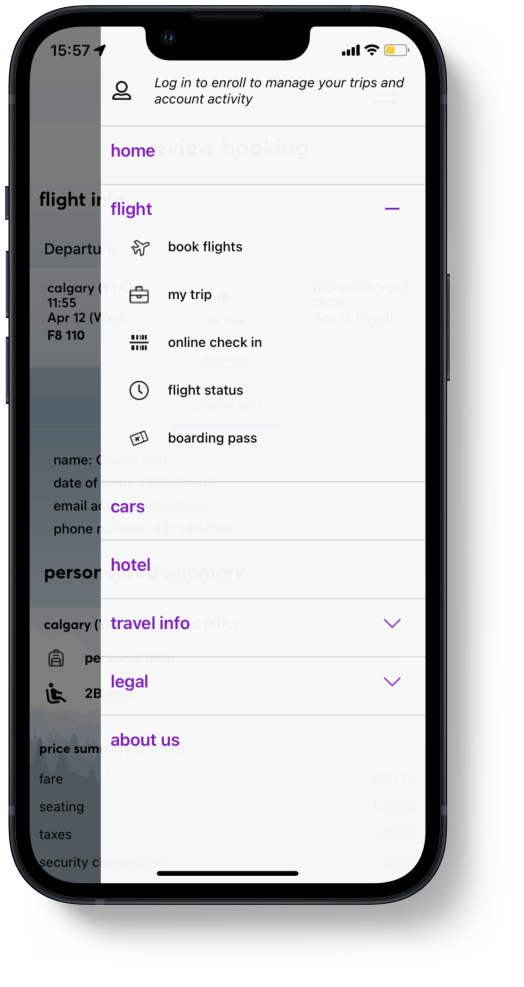
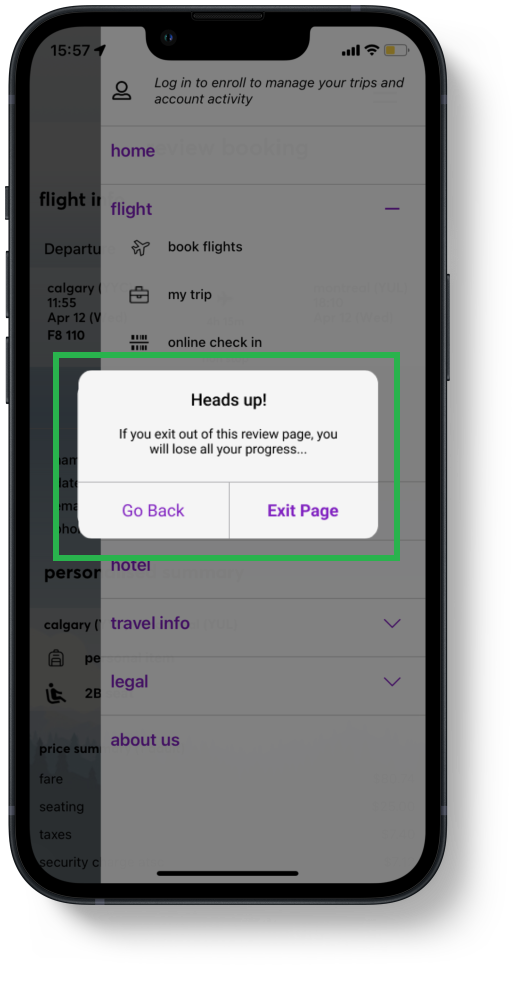
First Priority was added a modal, to fix violation #5, to let users know that if they do leave the "Review Booking" page, that their progress will be lost and provide them with the option to stay on this page.
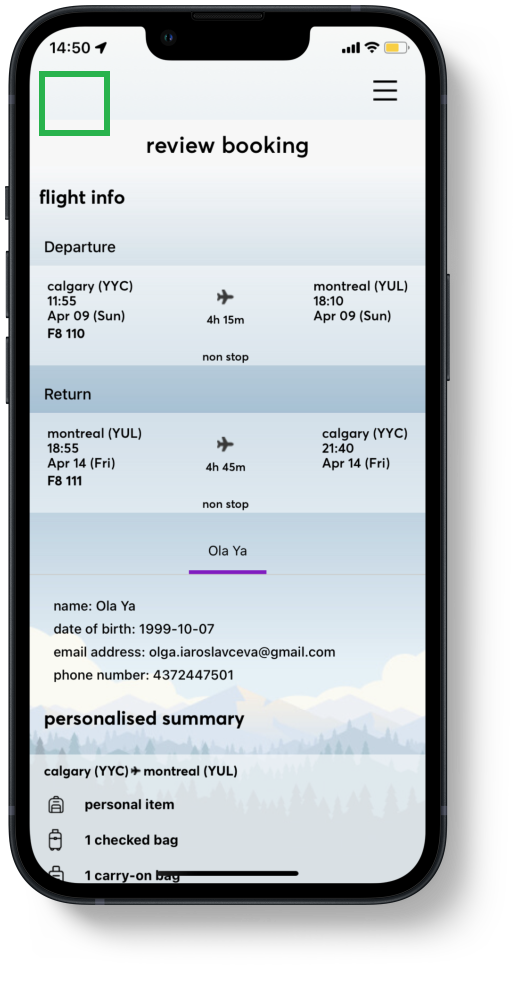
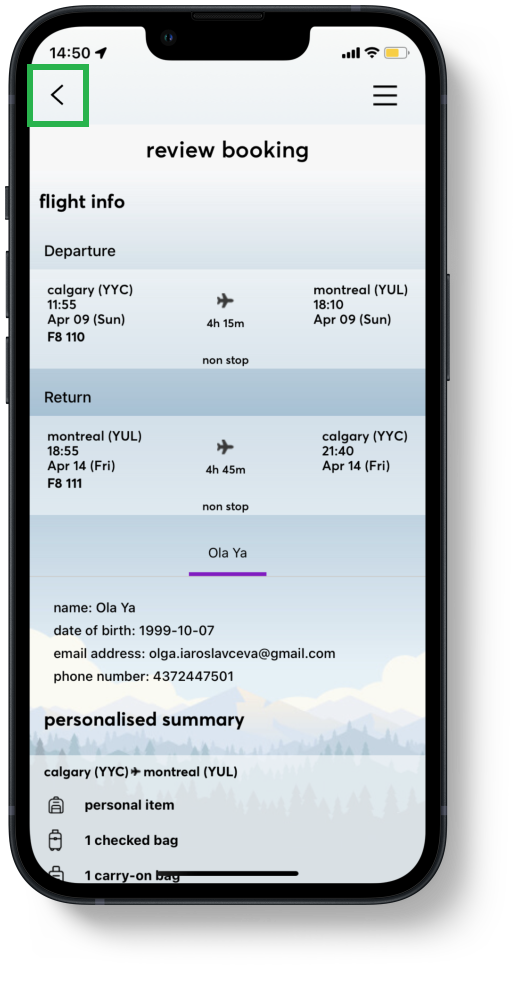
Additionally, due to violation 4, we added a back button to allow users to modify their information and retreat from the "Review Booking" page if users want to go back or they have made a mistake in previous booking pages.
Once users have selected their booking preferences they are brought to the "Review Booking" page.
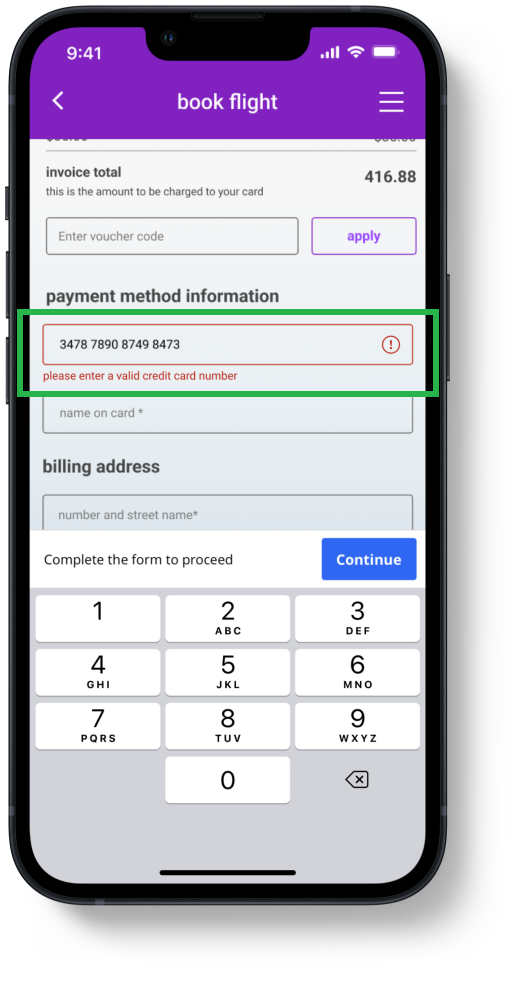
Here we added clear and specific error messages for users during the booking process to clearly indicate which steps they can take in order to fix any issues that may occur, resolving violation #2.
For Example, when an incorrect card number is inputted we highlighted the field where the error is in red and provided a message:
"Please enter a valid card number."
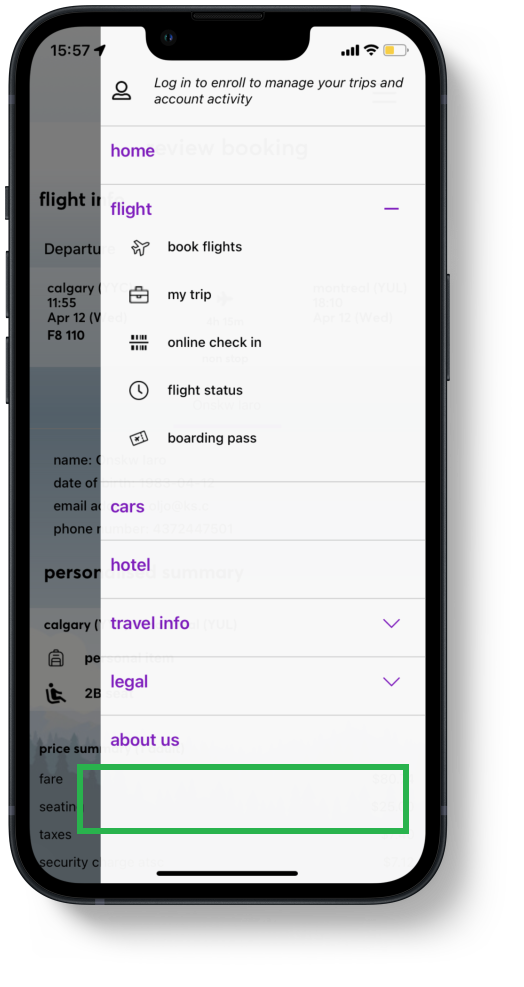
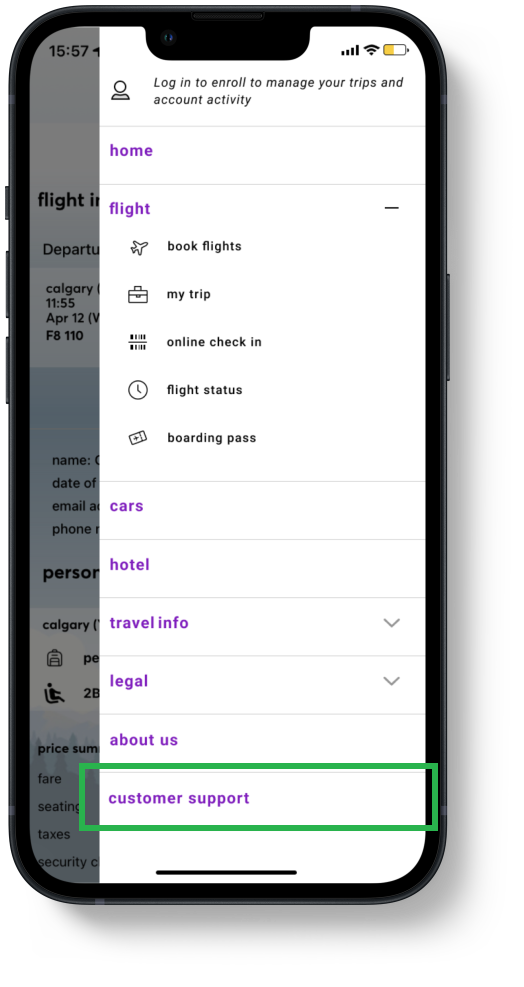
Because there was no customer support section available for users when they need help with the booking process (violation #3), we added a customer support section with documentation relating to specific tasks and FAQs.
This way, users could access information easily, or contact customer support services if necessary.
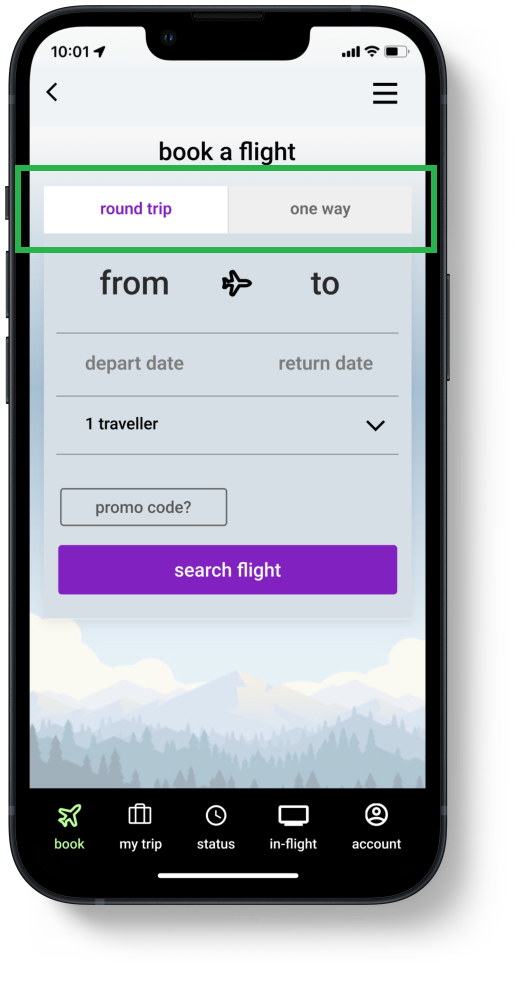
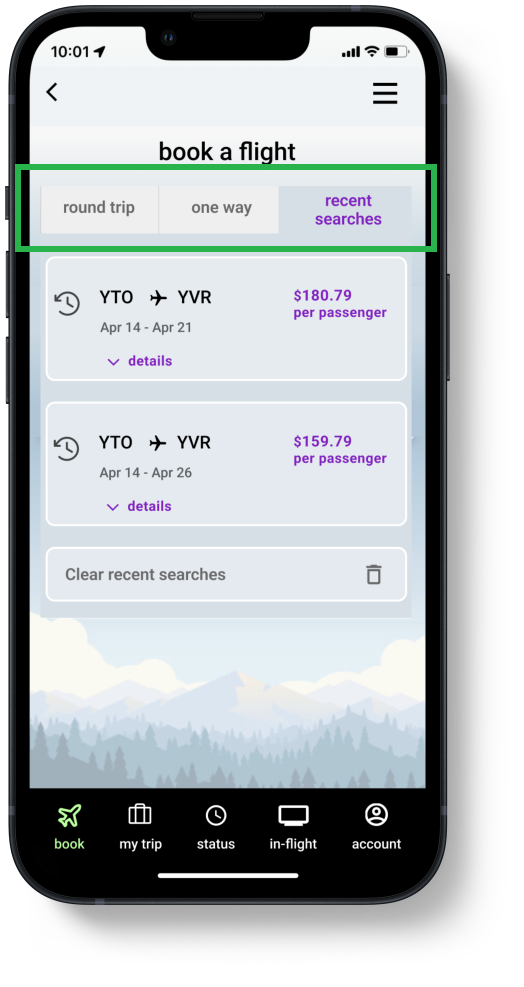
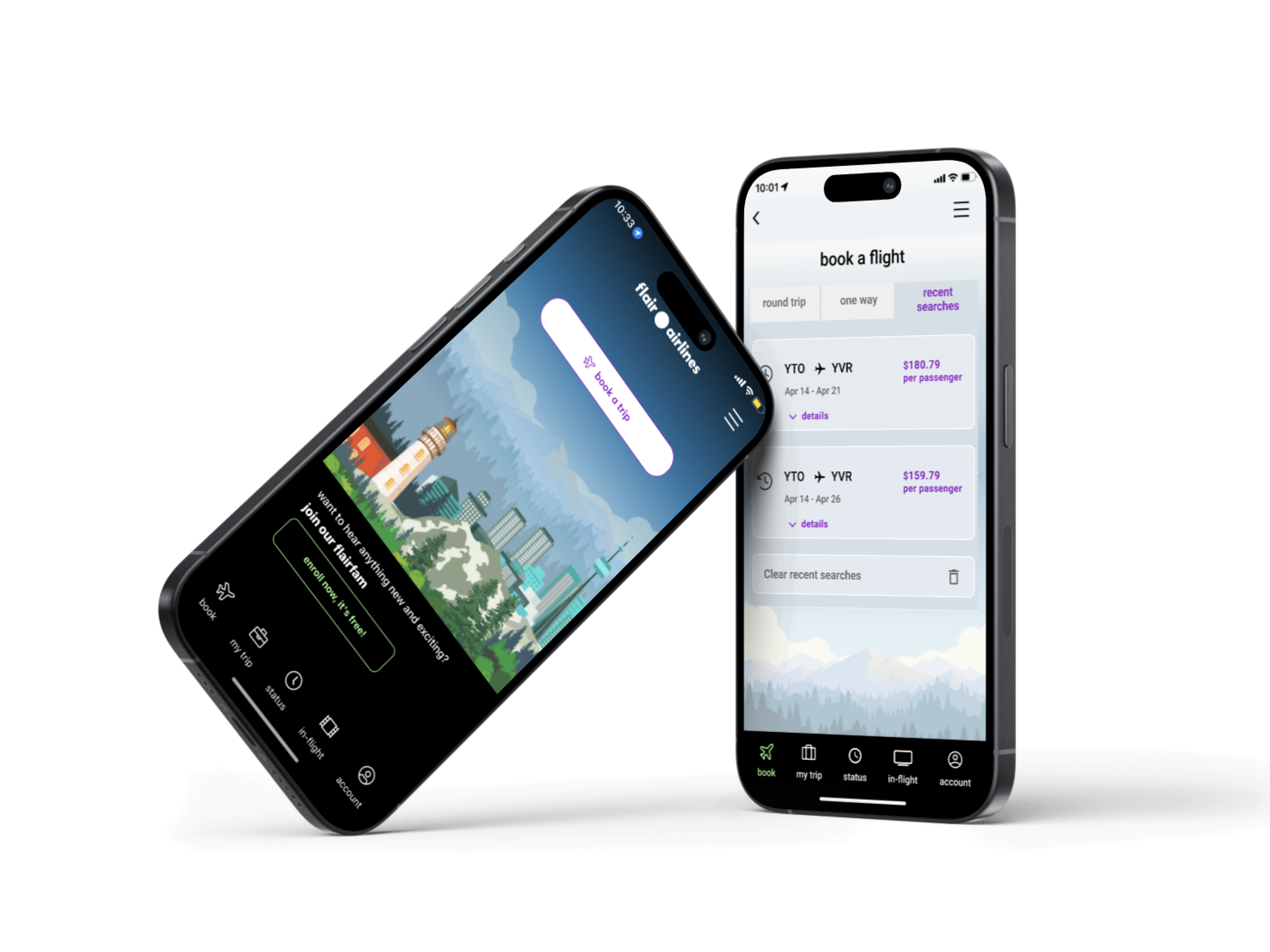
When booking a flight through the app, adding a "Recent Searches" tab would provide users a way to easily revisit their previous flight search history, without the need to recall all the details they previously inputted on their own, solving violation #1.